

We all know about Google Calendars and more often than not, simply let it sit in our applications, rather than using it extensively. But most of us don't know that Google Calendar is loaded with some awesome features that can simplify things for us. Take a look and see how many of these features you really knew about.
1. Get a daily update of your work
Say, if you don’t want to keep checking what is to be done next, you can get a daily update of your work sent to your inbox. To set this up go to your calendar, go to Settings > Calendars, and click Edit Notifications for your chosen calendar. If you choose to notify daily, you will receive mail at 5 AM by default.
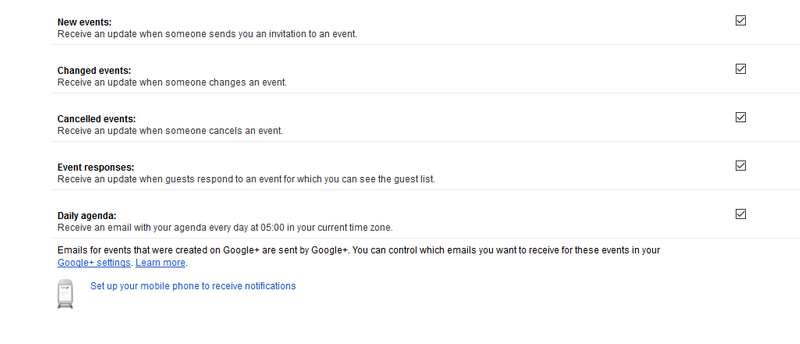
Daily Agenda
2. Video calls
This is one of the lesser known Google Calendar features. It is all about exchanging Skype names for video calls. Click on the join button and every person you invite will be able to see when you are online. Once clicked, you will be taken to the video call option on Google Hangout.
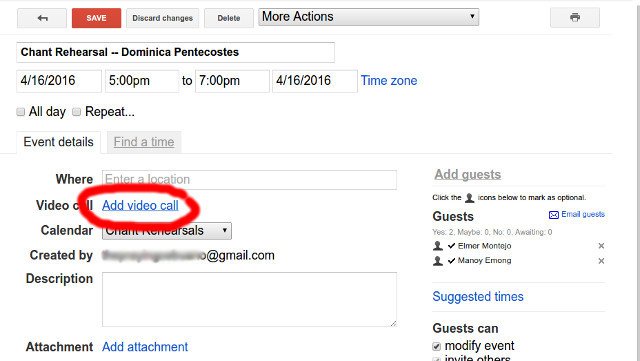
Video Calls
3. World clock
Not always, but sometimes you will need to work according to a client in a faraway time zone. So, you are not going to calculate it every time with your local time. So, all you can do is set a world clock on your Google Calendar. Just go to Setting >Labs and enable the World Clock feature. A widget will open where you can choose which time zone has to be selected.
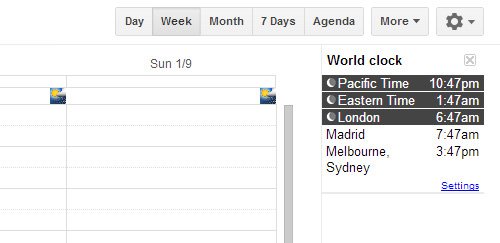
World Clock
4. Track your finance records
Most of us scribble down our daily expenses on a paper and then mess up the calculation or lose the paper. But with the Google Calendar, you can keep personal financial records very simply. Just set up a new calendar (select My Calendars > Create New Calendar) titled Finances, and keep track of your recurring payments.
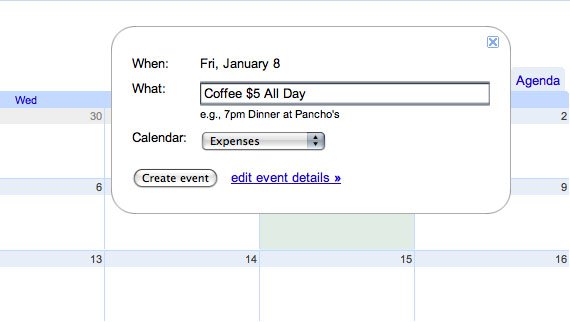
Tracking Records
5. Countdown for your next event
If you are excited or nervous about something, you can use the countdown feature in your calendar. Within Google Calendar, go to Settings > Labs, then enable the Next Meeting feature. To the right side, you can see the exact time for your event left.
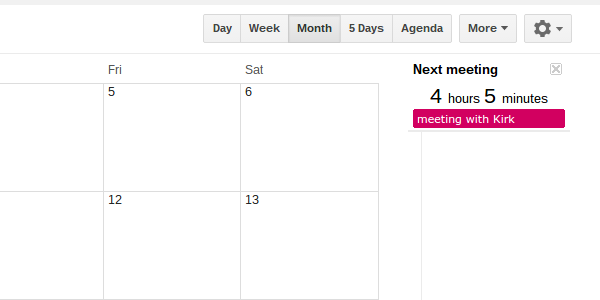
Countdown For Events
6. Send bulk emails
Mailing your attendees all at one can help you to save time from sending individual mails. Before sending the mail, make sure that everyone is added to your event and only then you can send the emails. To send the bulk email, open your event. In the Guests section, click Email Guests.

Bulk Emails